

BizTalk Server 2020 was officially released on January 15, 2020. You may be wondering why I haven’t written about this new version yet.
Why I Took a Step Back
The reason is simple.
Before sharing my thoughts, I believe we should properly analyze and test the product. Only then does it make sense to talk about changes and improvements.
For me, everything starts with installation and configuration. This is where the most significant differences appear when compared to BizTalk Server 2016. You may have a quick overview of that on my Twitter handle: https://twitter.com/sandro_asp:
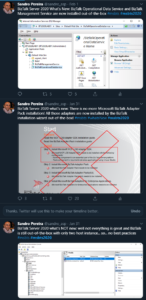
The guide is not available yet. However, I can already share that I’ve completed my BizTalk Server 2020 installation and configuration guide.
This guide spans 122 pages and provides detailed, step‑by‑step instructions to install and configure all product features. I believe I may be one of the first to install and successfully configure the BAM Portal, which is now running correctly.
I will publish the guide soon. For now, it is under review.
📝 One-Minute Brief
Introduces an unofficial BizTalk Server 2020 logo, combining the official BizTalk icon with clear version identification, and provides downloadable image and vector formats for community use.
Meanwhile, I’m really happy to see a lot of community members using my unofficial BizTalk Server 2020 logo on their articles:

It’s a clear sign that many of you like it. However, this is not the official logo.
Microsoft released the official BizTalk Server logo when BizTalk Server 2016 launched. At that time, Microsoft made a deliberate change. They removed the server icon and the version number from the logo.
As a result, the logo became a simple, text‑only design. Microsoft intended this format to remain consistent across BizTalk Server 2016 and future versions.
You can find the official logo and the background behind this decision here:
Because BizTalk Server 2016 is almost here… take a look to the new BizTalk Server logotype.

But people sometimes prefer to use the “old” format just because it specifies the version, so it is easier to associate with the last version or a specific version of the product. And that was the main reason to create that logo.
Nevertheless, during the BizTalk Server 2016 release, Microsoft also updated or released a BizTalk Server icon/stencil that you may find in the official BizTalk Server Twitter handle:

So I decided that my first blog post after BizTalk Server 2020 was launched, it would be about updating my unofficial BizTalk Server logo, and this time it would combine:
- The official BizTalk Server icon with the official BizTalk Server logo.
- Plus the version number.
And the end result is this:
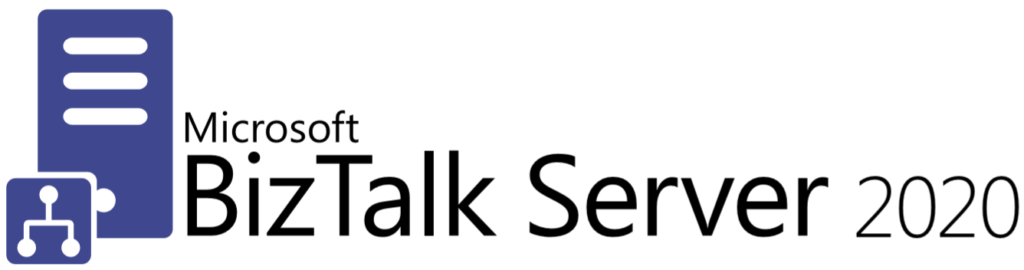
This package is a collection of 4 different image formats of the new Unofficial BizTalk Server 2020 logotype, two of which are available in vector format that will allow you to use and resize without losing quality:
- BizTalkLogo.ai
- BizTalkLogo.pdf
- BBizTalkLogo-01.jpg
- BizTalkLogoWhite-01.png
Thanks to Cristóvão Silva (Graphic & Web Designer @ DevScope) for helping me create these resources.
Download
You can download the New Unofficial BizTalk Server 2020 logo in vector format from GitHub here:
Hope you find this helpful! If you liked the content or found it useful and would like to support me in writing more, consider buying (or helping to buy) a Star Wars Lego set for my son.



