

Today, almost two years after the last package update, I updated the package with a new functoid: Remove Trailing Zeros Functoid, which is now part of the BizTalk Mapper Extensions UtilityPack project, available for BizTalk Server 2020.
Remove Trailing Zeros Functoid
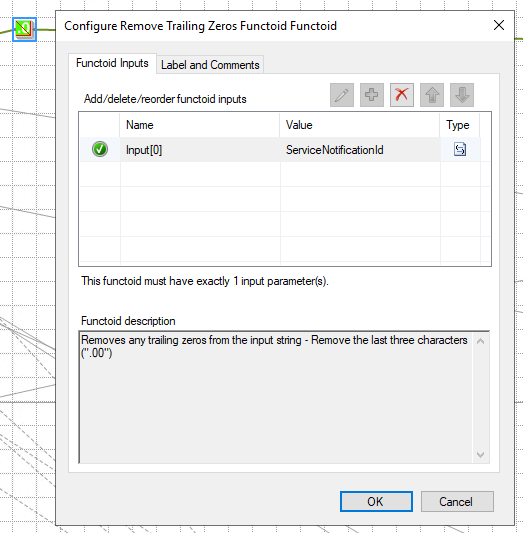
This functoid allows you to remove any trailing zeros from the input string. In other words, it removes the last three characters (“.00”).
- This functoid requires one input parameter:
- String to remove trailing zeros;
- Examples:
- Input:
"1.00"– The string ends with.00, so the function returns"1". - Input:
"12.00"– Ends with.00, so it returns"12". - Input:
"12.34"– Does not end with.00(the decimal part is.34), so it remains"12.34". - Input:
"100.00"– Ends with.00, so it returns"100"
- Input:
📝 One-Minute Brief
The UtilityPack Remove Trailing Zeros functoid simplifies number formatting in BizTalk Server maps by removing unnecessary decimal zeros. This post explains how the functoid works, when to use it, and how it helps produce cleaner and more consistent mapping outputs.
BizTalk Mapper Extensions Utility Pack
BizTalk Mapper Extensions Utility Pack is a set of libraries with several useful functoids to include in a map, extending BizTalk Mapper capabilities.

Where can I download it?
You can download the complete Azure Function source code here:
I hope you find this helpful! If you liked the content or found it helpful and want to help me write more, you can buy (or help buy) my son a Star Wars Lego set!



