


Another common task for us developers in Azure Integration Services, especially in Logic Apps, is manually creating a JSON message, either in a Parse JSON action, a Compose action, or directly in the connectors (or any other way), but there is a catch…
If you work in the Azure Portal and create an invalid JSON message inside an action or connector, the editor will not allow you to save the Logic App. Instead, it will return an error stating that the definition contains invalid parameters.
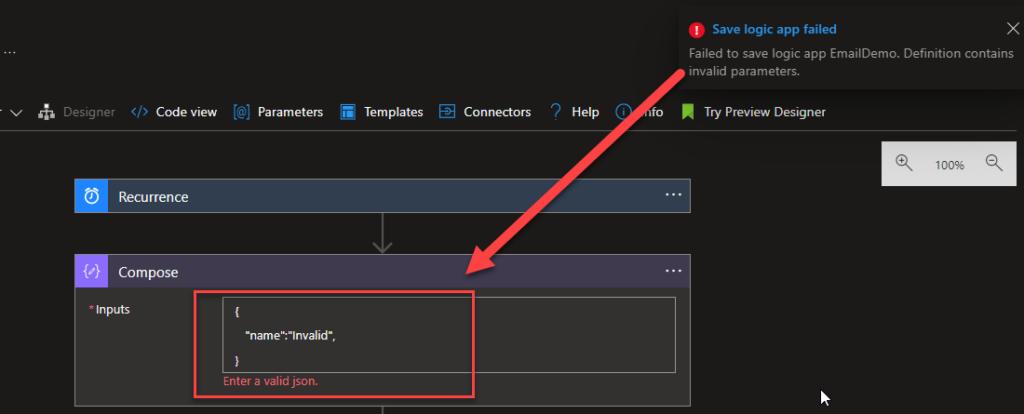
However, if you are creating the same Logic App Consumption inside Visual Studio:
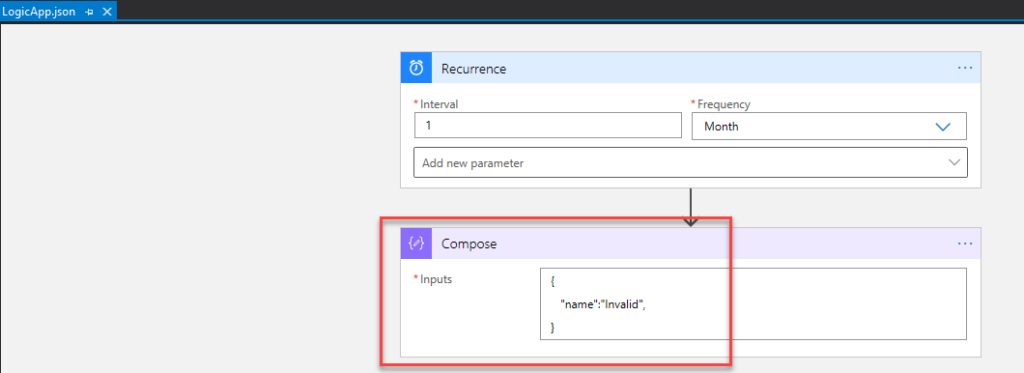
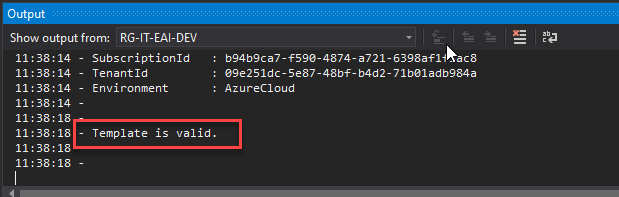
We can successfully validate this Logic App:
And we can actually successfully deploy this Logic App:
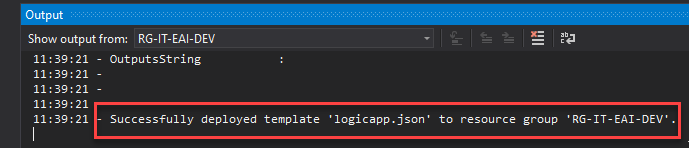
And that will become a problem once we run our Logic App. For this reason, it is always good to ensure that the JSON message is well-formatted before deploying your business processes.
And yes, I know many only tools exist to perform this task, so why a Windows tool? Again, for the same reasons I described in my previous tools: security and privacy.
I’m starting to become a bit of a freak when it comes to security. Nothing is free, and the problem with these online tools is that we never know what they are doing behind the scenes. Are you sure they are not keeping logs of the inputs we provide and the resulting outputs? And don’t say, but Sandro, this is just a simple message. Well, many messages have sensitive (private) information from users or companies that you are not aware of, so it is better to play it safe than sorry. It is wise to be careful now so that problems do not occur later, and to protect yourself against risk rather than being careless.
📝 One-Minute Brief
Validating JSON payloads is a daily task for integration and API developers. This article introduces a lightweight JSON Validator Tool that helps quickly validate JSON structure and detect formatting issues before using payloads in APIs, Logic Apps, or other integration workflows.
JSON Validator Tool
JSON Validator Tool is a lightweight Windows tool that lets you to validate and reformat JSON messages.
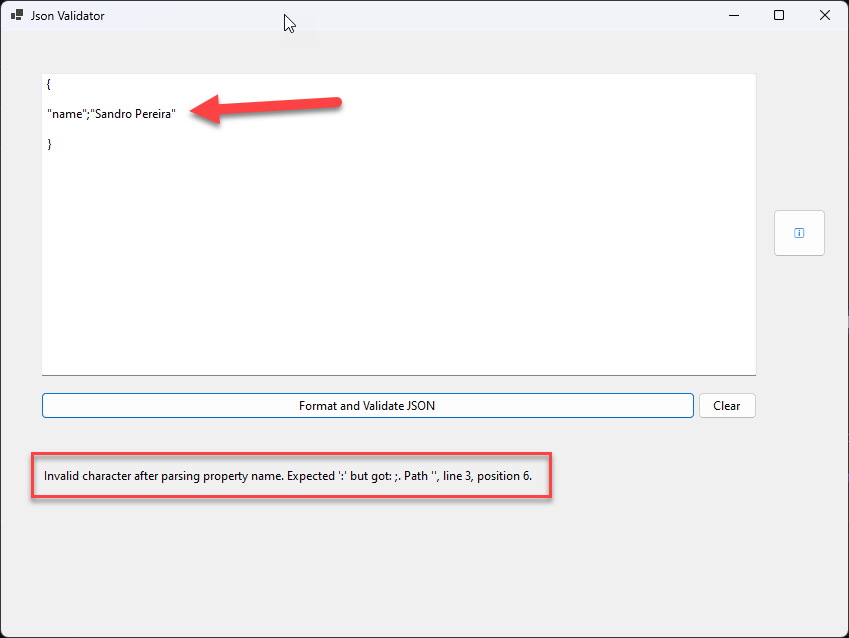
To not raise the same suspicions about this tool, the source code is available on GitHub!
Download
Hope you find this useful! So, if you liked the content or found it useful and want to help me write more content, you can buy (or help buy) my son a Star Wars Lego!

Credits
- Diogo Formosinho | Member of my team and one of the people responsible for developing this tool.


