


Continuous Integration and Continuous Deployment (CI/CD) is an essential practice in Azure development. Although it is possible to execute each CI/CD pipeline step manually, the true value can only be achieved through automation.
And to improve software delivery using CI/CD pipelines, either a DevOps or a Site Reliability Engineering (SRE) approach is highly recommended.
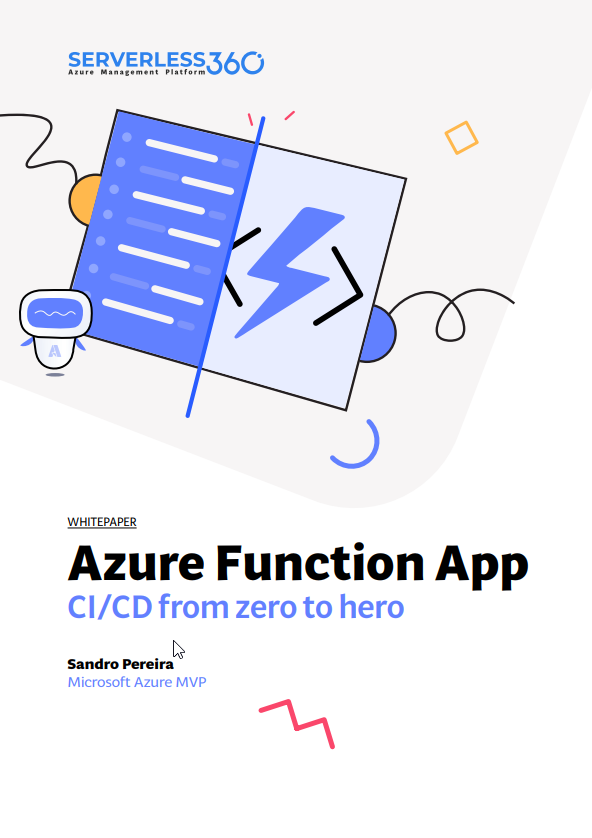
In this whitepaper, I will explain how to implement CI/CD for Azure Function Apps using Azure DevOps Pipelines.
I will explain in detail everything you need to know, from creating an Azure Function in Visual Studio 2022 to configuring everything you need to create and configure inside DevOps to implement the CI/CD process using Azure Functions.
📝 One-Minute Brief
A practical whitepaper that teaches you how to implement CI/CD for Azure Function Apps using Azure DevOps Pipelines. It walks through everything from creating a Function App in Visual Studio 2022 to building CI pipelines, configuring release pipelines, and automating deployments across environments. Perfect for developers and DevOps teams looking to move from manual steps to a fully automated delivery workflow.
What’s in store for you?
This whitepaper will give you a detailed understanding of the following:
- An introduction to:
- What are Continuous Integration (CI) and Continuous Deployment (CD)?
- What are CI/CD Pipelines?
- What is Azure DevOps?
- Create an organization or project collection in Azure DevOps.
- Create a project in Azure DevOps.
- Building your Azure Function from scratch:
- Publish your code from Visual Studio.
- A step-by-step approach to building Azure Pipelines.
- A step-by-step approach to building Azure Release Pipelines.
Where can I download it?
You can download the whitepaper here:
I hope you enjoy reading this paper, and any comments or suggestions are welcome.
Hope you find this helpful! If you liked the content or found it useful and would like to support me in writing more, consider buying (or helping to buy) a Star Wars Lego set for my son.



