


No matter what you do, issues will happen at some point, and we need to deal with them. For example, on BizTalk Server, messages can get suspended for many reasons. Sometimes, we can resume these suspended messages. But, in other situations, we can’t, or no matter what we do, they cannot be processed because they contain some errors that need to be fixed.
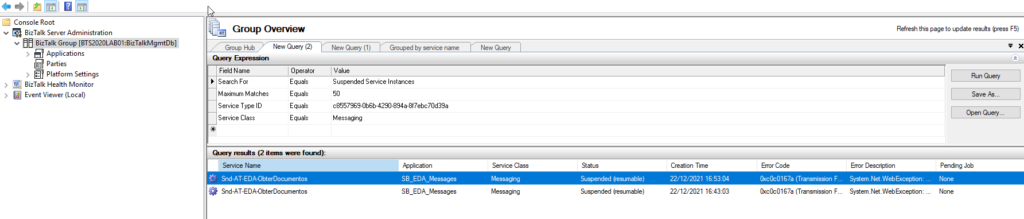
Regardless of the scenario or the reasons for this to happen, there are situations that we endup having several messages suspended on BizTalk Server. Using the out-of-the-box BizTalk Server Administration tool, we can only save one message at a time, so we have to go through each message one by one and, after several clicks, save it to the hard drive. This is a huge, time-consuming operation.
To expedite these operations, we can use PowerShell. It’s true that we will need to spend a little time creating these PowerShell scripts, but the gain that we get is massive, and once made, we can use it anytime.
📝 One-Minute Brief
A quick and efficient way to export all suspended BizTalk Server messages using PowerShell. Instead of saving each message manually through the Admin Console, this script retrieves the body of every suspended message and saves them to a folder, dramatically reducing troubleshooting time.
With this script, we can retrieve the body/payload of all suspended BizTalk Server messages and save them to a specific folder – no filters required.
The result will be a list of messages created on our hard drive:

Download
THIS POWERSHELL IS PROVIDED “AS IS”, WITHOUT WARRANTY OF ANY KIND.
You can download Save/archive all BizTalk Server suspended messages with PowerShell from GitHub here:
Hope you find this helpful! If you liked the content or found it useful and would like to support me in writing more, consider buying (or helping to buy) a Star Wars Lego set for my son.




Life saver as always. This script worked amazing!