

As part of the Intergalactic Automation Summit 2022 online event, organized by the Power Community, which is taking place between 4th and 6th February 2022:
- 4th Feb- Power Automate Bootcamp.
- 5th Feb- Azure Integration Bootcamp.
- 6th Feb- Power Platform ALM DevOps.
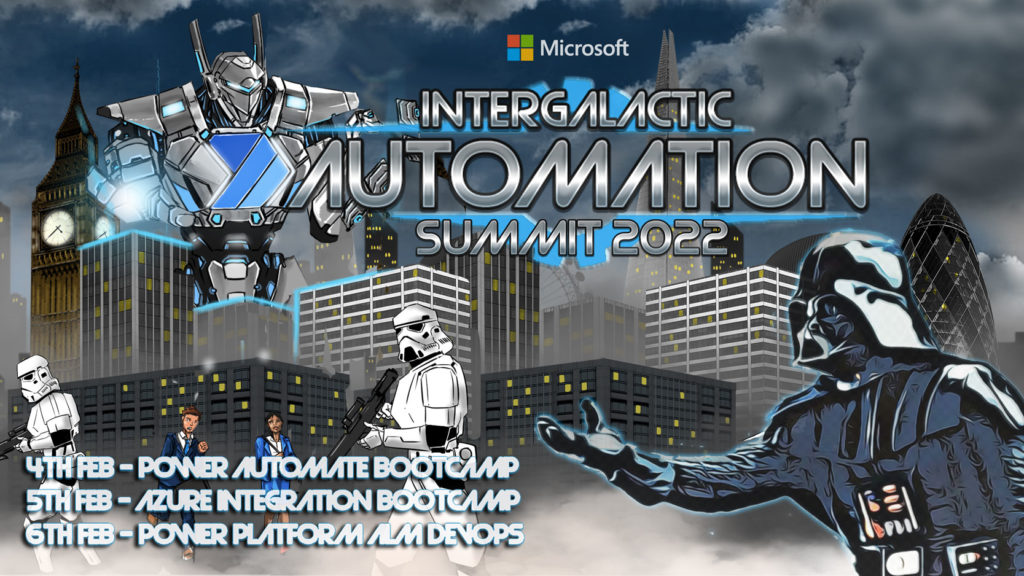
All of these events are free!
📝 One-Minute Brief
Learn how to monitor integration solutions using an Azure Automation Account, PowerShell Runbooks, and Logic Apps. This session, presented at the Global Automation Bootcamp, shows how to detect inconsistencies, automate checks, and improve reliability across Azure integration landscapes.
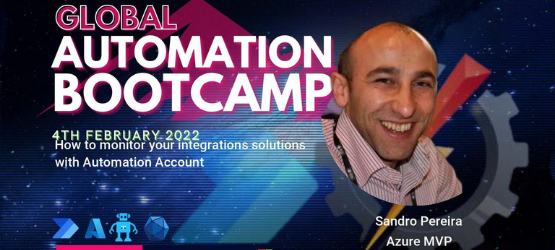
I chose to submit a session to the Global Automation Bootcamp, and I’m honored to be accepted as a guest speaker on a session about how to monitor your integration solutions with Automation Account. My session will take place at 05:00 pm according to GMT/UTC.
How to monitor your integration solutions with Automation Account
In this session, we will address how to monitor your integration solutions using an Azure Integration Account with PowerShell Runbooks and Logic Apps to notify of inconsistencies in your solutions. For those reasons, I would like to invite you to join me at the Global Automation Bootcamp virtual event on Friday, February 4, 2022.
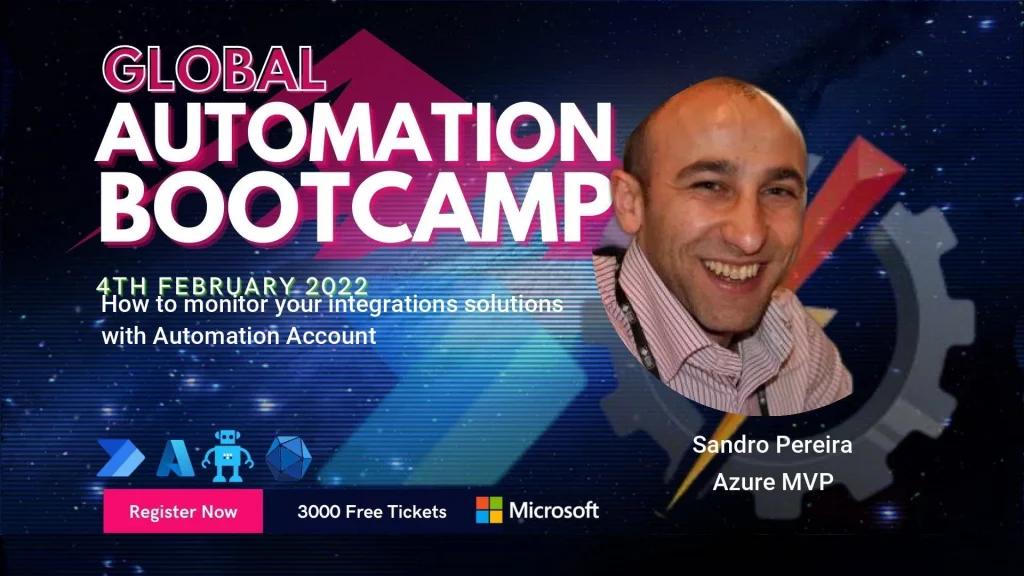
Session name: How to monitor your integration solutions with Automation Account.
Abstract: In this session, we will address how you can monitor your integration solutions using an Azure Integration Account running PowerShell Runbooks and Logic Apps to notify inconsistencies in your solutions.
Join us and reserve your presence at the Global Automation Bootcamp virtual event on Friday, February 4, 2022. It is free!
Hope you find this helpful! If you liked the content or found it useful and would like to support me in writing more, consider buying (or helping to buy) a Star Wars Lego set for my son.



