


There are errors we are familiar with, but I guess you may never have heard of them. I didn’t know it until today: Failed to create window handle for pane.
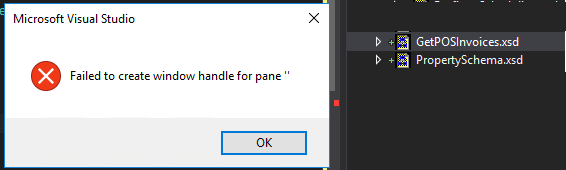
This happened today while I was trying to open a Schema from my BizTalk Server project. Every other artifact opened well in their designer/editor, like Orchestrations, Maps, and Pipelines… with the exception of Schemas.
I try to force it open using the BizTalk Schema Editor by right-clicking on the schema, opening it, and selecting the BizTalk Editor (Default) without any result.
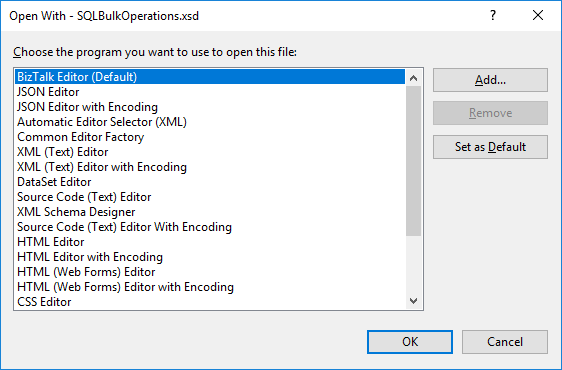
I even tried to force it open with another editor like XML (Text) Editor – it worked by the way – and once again tried to open it by the Schema Editor, again, without any practical result.
Note: I had 3 Visual Studio instances opened with 3 different projects: 2 of them worked well, and only one had this problem.
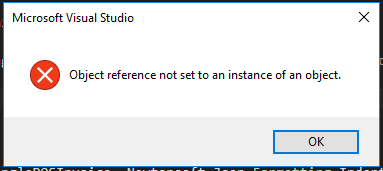
Also, when I try to close this particular Visual Studio instance, I get another error:
Microsoft Visual Studio: Object reference not set to an instance of an object.
📝 One-Minute Brief
A troubleshooting guide explaining why Visual Studio fails to open BizTalk schemas with the “Failed to create window handle for pane” error and how to fix corrupted layouts, extensions, or IDE configuration issues.
Cause
Honestly, I have no f*** idea… but I know the solution.
Solution
To solve this problem, you need to… do what we normally do when nothing works!
- Close Visual Studio and open it again.
Problem solved!
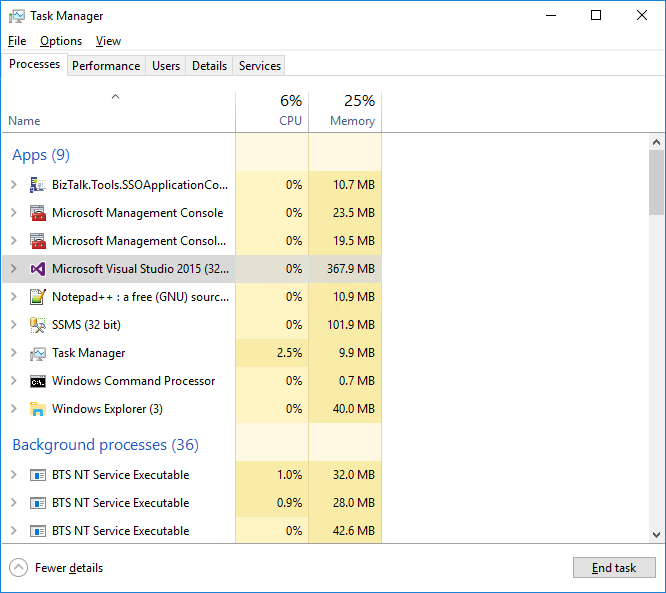
Because I was unable to close Visual Studio due to an “Object reference not set to an instance of an object” error, I terminated the Visual Studio task using the Task Manager.

Hope you find this helpful! If you liked the content or found it useful and would like to support me in writing more, consider buying (or helping to buy) a Star Wars Lego set for my son.



