


A Christmas Gift for the BizTalk Community
And you thought there was no Santa Claus?
At this time of year, I couldn’t miss the opportunity to give something back to the community. After all, we’ve grown together in many ways over the years.
With the fantastic help of the BizTalk360 team—my long‑time partner and blog sponsor—we managed to write, review, and edit a new whitepaper in just five days. As a result, we completed it just in time for Christmas.
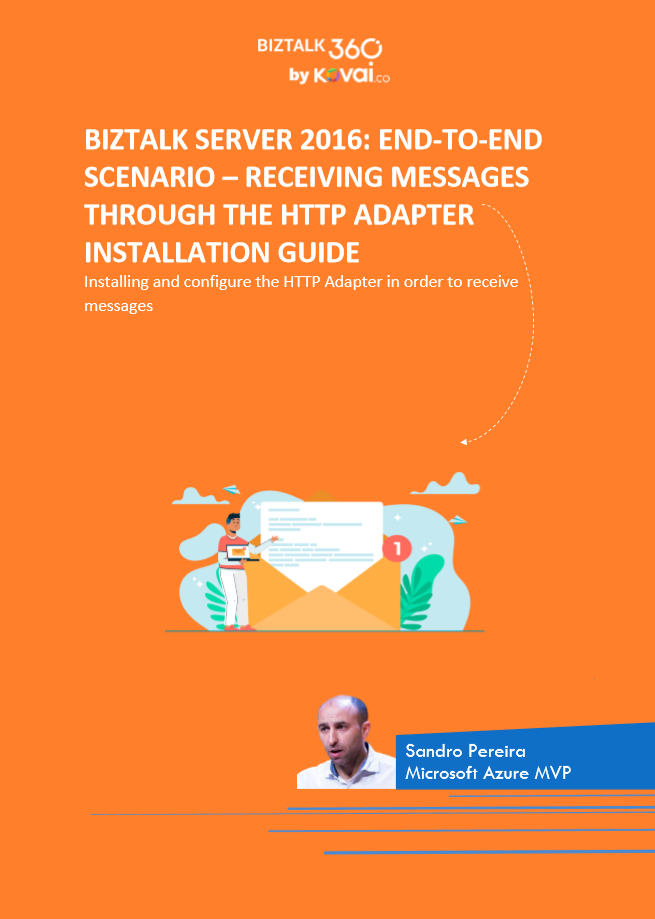
The outcome is the BizTalk Server 2016: End-to-end scenario – Receiving Messages through the HTTP Adapter whitepaper.
📝 One-Minute Brief
Announces a free whitepaper for BizTalk Server 2016 that provides a step‑by‑step, end‑to‑end guide to installing and configuring the HTTP Adapter to receive messages, including IIS setup and BizTalk configuration.
Understanding the Role of the HTTP Adapter
The role of an adapter is to enable communications between BizTalk Server and external systems and trading partners. Users configure adapters by creating send ports and receive locations that define the properties for given instances of the adapter. Most adapters support both send and receive operations, whereas other adapters support communication in only one direction.
The HTTP Adapter is one of the adapters that support two-way communications, but unlike other adapters, this adapter has two characteristics that define it:
- The HTTP “Receive” Adapter that is responsible for delivering messages to BizTalk is, in
fact, a DLL that runs inside Internet Information Services (IIS). - And for that reason, it must be configured in IIS – it is not there out-of-the-box.
In this whitepaper, we will describe the step-by-step process of installing and configuring the HTTP Adapter in order to receive messages.
Some of you may think that the HTTP adapter is deprecated, but that is not true. The only adapters that were deprecated were the old SAP adapter (removed) and the SOAP and SQL adapters (which are still present in the Administration Console). The HTTP adapter is a classic, but it is not deprecated and is still widely used today.
The idea for this whitepaper was partly out of a real need and at a customer’s request. Because it is a strange adapter with a peculiar configuration unlike any other adapter in BizTalk Server, when I was giving a training course, the attendees struggled to understand and put it to work correctly. By coincidence, a week later, I needed to put this adapter to work at another client. As a result of that request and that client’s need, I ended up creating this step-by-step guide on how to install and configure the HTTP adapter to receive messages through HTTP requests. I think this is a good whitepaper about a classic adapter in BizTalk Server.
I hope you like it, and Merry Christmas!
Where can I download it?
You can download the whitepaper here:
You can also find, download, and enjoy several other free whitepapers of my own here:
- Installing BizTalk Server 2016 in a Basic Multi-Computer Environment
- BizTalk Server and GDPR
- Step-by-step configuration to publish BizTalk operational data on Power BI
- BizTalk Server DB: Disaster Recovery, troubleshooting & best practices
- Installing and Configuring BizTalk360 in a Standalone Machine running BizTalk 2016
- Installing and Configuring Microsoft BizTalk 2013 R2 for RosettaNet
- Installing BizTalk Server 2016 in a Standalone Machine
- Installing BizTalk Server 2013 in a Standalone Machine
Hope you find this helpful! If you liked the content or found it useful and would like to support me in writing more, consider buying (or helping to buy) a Star Wars Lego set for my son.



