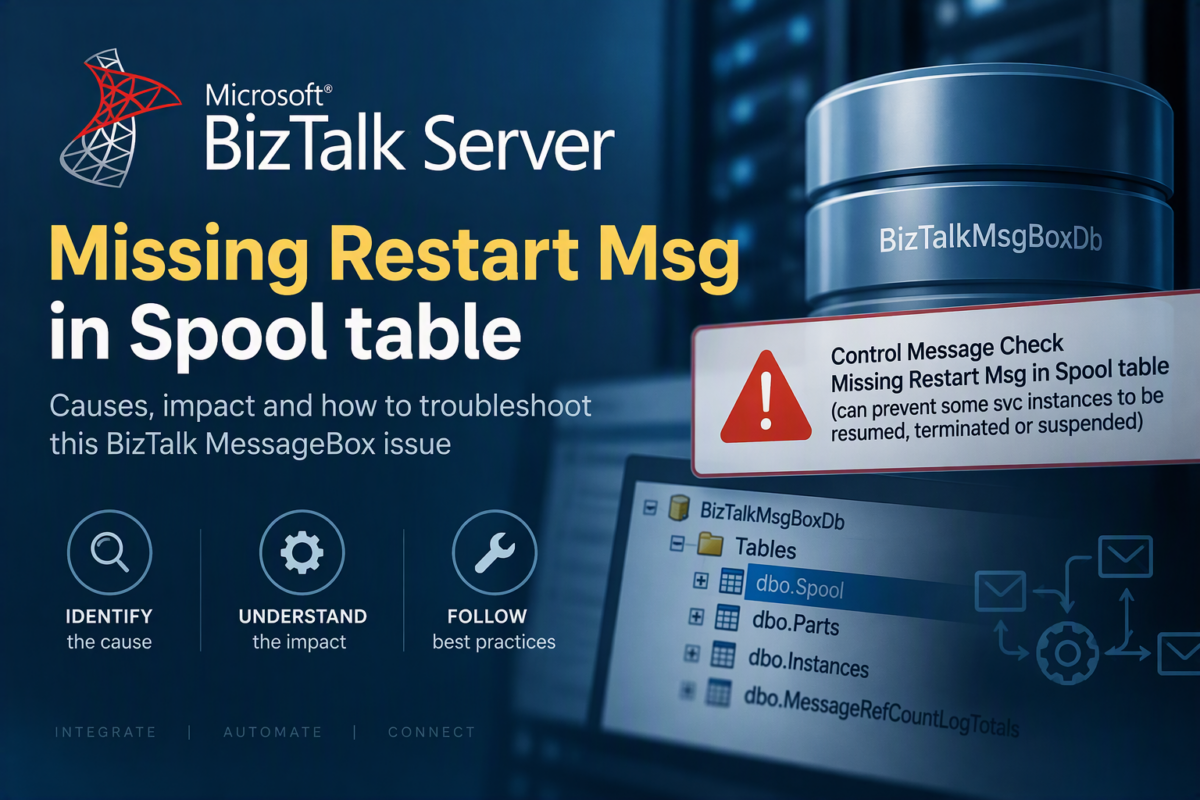
Last week we ran into a strange issue in our BizTalk Server environment. We detected it because we run the BizTalk Health Monitor (BHM) periodically, and it alerts us when issues arise. Again, this was a strange and unique error that I had never encountered before:
Control Message Check: Missing Restart Msg in Spool table (can prevent some svc instances to be resumed, terminated or suspended)

📝 One-Minute Brief
BizTalk MsgBoxViewer may report “Missing Restart Msg in Spool table”, indicating a MessageBox integrity issue that can prevent service instances from being resumed, suspended, or terminated. Learn what this warning means, its common causes, and what to investigate.
Cause
That BHM warning is not about normal application messages accumulating in the Spool table. It means that BizTalk’s MessageBox is missing one of its internal control messages, specifically the Restart control message, from BizTalkMsgBoxDb.dbo.Spool. The warning matters because BizTalk uses those control messages when manipulating service instances, and a missing Restart message can prevent some instances from being resumed, terminated, or suspended.
Typical reasons
The most likely causes are:
- Someone manually deleted records from
BizTalkMsgBoxDb- This is one of the first things I would investigate. Cleaning
Spool,Parts,Instances, etc. directly with SQL is unsupported and can remove these special control records along with ordinary message data.
- This is one of the first things I would investigate. Cleaning
- A previous MessageBox cleanup/recovery operation went wrong
- Especially in older environments that have been running for years, manual cleanup scripts or database recovery activities can leave the MessageBox internally inconsistent.
- Incorrect database restore/recovery
- If
BizTalkMsgBoxDbwas restored independently or an unsupported SQL-based recovery was performed, the expected internal state of the MessageBox can be broken.
- If
- Historical corruption/inconsistency in the MessageBox
Historically, the Restart message has a predefined message ID, and it has remained the same from 2004 to 2020. The published BizTalk recovery example shows the Restart control message being inserted into Spool with:
61EAA7FC-AC85-42D9-BF3E-1BED258B82BE
The recovery script also maintains MessageRefCountLogTotals.
Why BHM says it can prevent Resume/Terminate/Suspend
This can produce symptoms such as:
- Resume an orchestration/service instance, but it doesn’t continue.
- Suspend/Terminate operations behave unexpectedly.
- Instances appear to be acted upon in the Administration Console but aren’t processed correctly.
- Restarting the Host Instance doesn’t fix the underlying MessageBox problem.
What I would check first
Given your experience with BizTalk, I’d approach this as a MessageBox integrity problem, not as a performance/Spool-growth problem.
First, determine whether MBV reports only:
- Missing Restart Msg in Spool table
or also:
- Missing Suspend Msg in Spool table
- Missing Terminate Msg in Spool table
- Missing ResumeInDebugMode Msg in Spool table
That distinction is interesting. If several control messages have disappeared, I would strongly suspect the MessageBox was previously cleaned/manipulated outside normal BizTalk procedures.
Also, check the rest of the BHM report for MessageBox consistency errors.
Solution
The solution to solve this problem is quick and simple; understanding what caused the issue is not!
To guarantee you are absolutely correct, based on your BizTalk Server version, you can navigate to
- <drive>:\Program Files (x86)\Microsoft BizTalk Server\Schema
- Open MsgBoxSchema.sql file
- Find INSERT INTO Spool (uidMessageID… copy the statement into Query Analyzer, and run.
However, this hasn’t changed since 2006. So you can simply run this script:
-- ****************************************************************
-- Inserting Restart Message for use in service recovery
-- ****************************************************************
IF (SELECT COUNT (*) FROM Spool WHERE uidMessageID = N'61EAA7FC-AC85-42d9-BF3E-1BED258B82BE') = 0
BEGIN
	INSERT INTO Spool (uidMessageID, nNumParts, nCounter, imgContext) VALUES (N'61EAA7FC-AC85-42d9-BF3E-1BED258B82BE', 0, 0, 0xD4E0906C1849D311A24200C04F60A53302000000090000009800000050006100720074004E0061006D00650073005E0068007400740070003A002F002F0073006300680065006D00610073002E006D006900630072006F0073006F00660074002E0063006F006D002F00420069007A00540061006C006B002F0032003000300033002F006D006500730073006100670065006100670065006E0074002D00700072006F007000650072007400690065007300000001000000010820010000000000000000000700000098000000540069006D0065007200490044005E0068007400740070003A002F002F0073006300680065006D00610073002E006D006900630072006F0073006F00660074002E0063006F006D002F00420069007A00540061006C006B002F0032003000300033002F0078006C0061006E00670073002D00720075006E00740069006D0065002D00700072006F0070006500720074006900650073000000010000000008004A000000300030003000300030003000300030002D0030003000300030002D0030003000300030002D0030003000300030002D003000300030003000300030003000300030003000300030000000)

	INSERT INTO MessageRefCountLogTotals (uidMessageID, snRefCount) VALUES (N'61EAA7FC-AC85-42d9-BF3E-1BED258B82BE', 1)
END
GO
Donwload
You can download the full SQL Script to address all possible issues:
- Missing Restart Msg in Spool table
- Missing Suspend Msg in Spool table
- Missing Terminate Msg in Spool table
- Missing ResumeInDebugMode Msg in Spool table
From GitHub here:
THIS POWERSHELL IS PROVIDED “AS IS”, WITHOUT WARRANTY OF ANY KIND.
Hope you find this helpful! If you liked the content or found it useful and would like to support me in writing more, consider buying (or helping to buy) a Star Wars LEGO set for my son.