

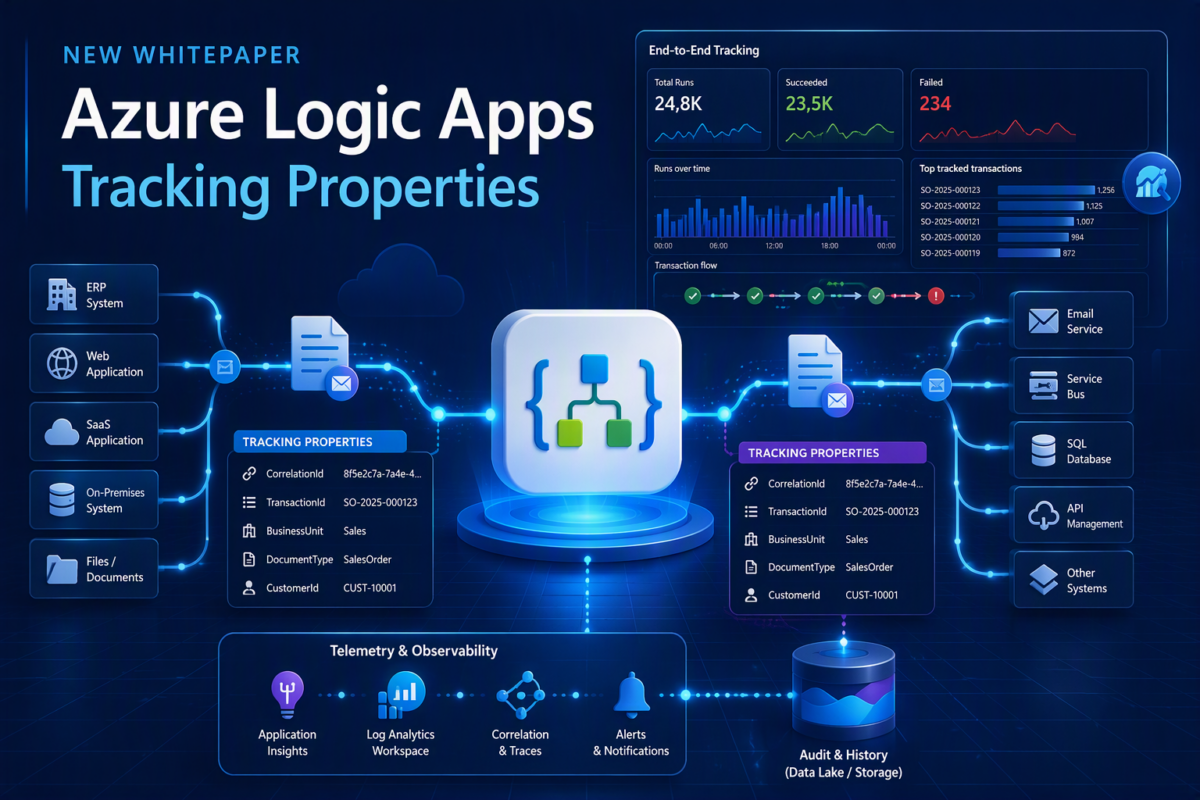
I’m excited to share the release of my latest whitepaper: Azure Logic Apps Tracking Properties.
Why I created this whitepaper
As organizations modernize their integration landscapes and migrate workloads to Azure Logic Apps, one challenge consistently emerges: how do you effectively track, monitor, and trace business transactions across your integration estate?
While Azure Logic Apps provides excellent runtime monitoring capabilities out of the box, many organizations need more than technical visibility. They need the ability to trace business processes end-to-end, correlate messages across multiple workflows and systems, and quickly identify where issues occur during execution.
That’s where tracking properties become a game changer.
One of the greatest strengths of Tracking Properties in Azure Logic Apps is their ability to expose meaningful business and technical data directly in Azure Log Analytics without requiring you to track entire message payloads. By capturing key information such as business identifiers, transaction references, or processing details at specific points in a workflow, you gain deeper visibility into workflow executions, simplify troubleshooting, and build more effective monitoring and reporting solutions. As a result, Tracking Properties help bridge the gap between technical operations and business observability.
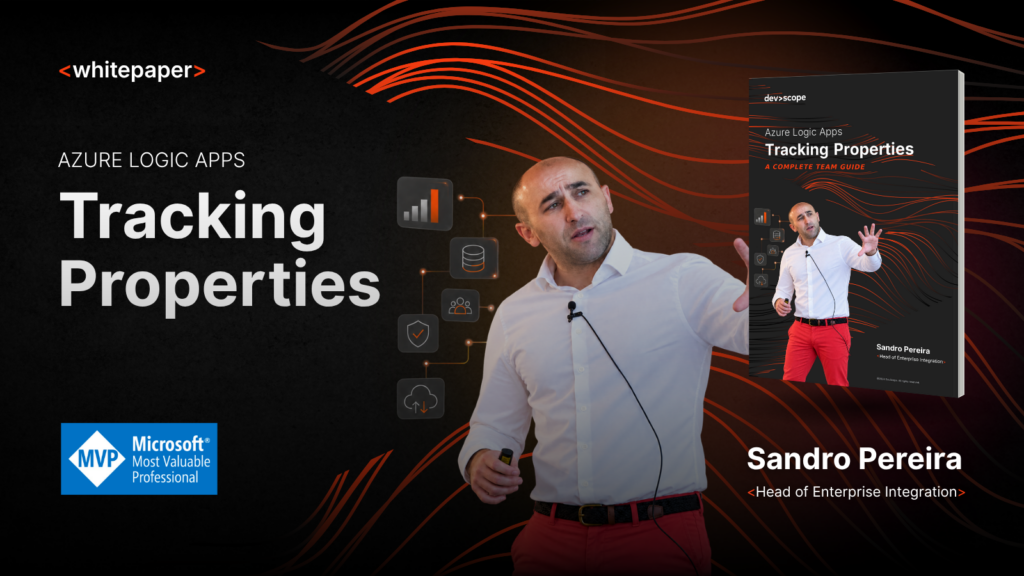
📝 One-Minute Brief
Tracking and monitoring business transactions across Azure Logic Apps can be challenging, especially in enterprise integration scenarios. In this whitepaper, I explore how Azure Logic Apps Tracking Properties help bridge the gap between technical monitoring and business observability by exposing meaningful business data directly in Azure Log Analytics. Learn implementation patterns, best practices, and strategies to improve traceability, troubleshooting, reporting, and end-to-end transaction visibility.
What are Tracking Properties? Why does it matter?
Tracked Properties inside Logic Apps allow you to specify a custom property name and value by entering an expression or hardcoded value to track specific inputs or outputs. They are custom key-value pairs that can be attached to a Logic App action
and emitted to diagnostic telemetry.
Their primary purpose is to make business-relevant information available in monitoring solutions such as Log Analytics. Examples
include:
- Order Id
- Invoice Number
- Document Id
- Correlation Id
- Customer Id
- Message Type
- Process Code
- Source System
- Business Unit
Tracking Properties become part of the workflow runtime telemetry when diagnostic logging is enabled. You can then query them using KQL in Log Analytics. By capturing key identifiers and business data, organizations can:
- Improve end-to-end transaction visibility.
- Simplify troubleshooting and root cause analysis.
- Correlate messages across multiple workflows and services.
- Monitor business processes, not just technical executions.
- Enhance operational support and governance.
When implemented correctly, tracking properties can significantly improve the observability and supportability of your integration solutions.
What You’ll Learn
In this whitepaper, we explore:
- The fundamentals of Azure Logic Apps tracking properties.
- Common implementation patterns and best practices.
- How to design an effective tracking strategy.
- Recommendations for enterprise-scale monitoring.
- Real-world considerations for operational support teams.
- Approaches for improving business process visibility and traceability.
Whether you’re building new Azure Logic Apps solutions or migrating integrations from BizTalk Server, this guide will help you establish a more robust tracking and monitoring approach.
Who Should Read This Whitepaper?
This whitepaper is designed for:
- Integration Architects
- Azure Integration Developers
- Azure Logic Apps Specialists
- Operations and Support Teams
- Technical Leads
- Organizations planning BizTalk Server migrations
Download Your Free Copy
If you’re looking to improve transaction tracing, business visibility, and operational monitoring in Azure Logic Apps, this whitepaper is for you.
Download the whitepaper: Azure Logic Apps Tracking Properties
I hope you find it useful. As always, I’d love your feedback and to learn how you’re leveraging tracking properties in your Azure integration solutions
Hope you find this helpful! If you liked the content or found it useful and would like to support me in writing more, consider buying (or helping to buy) a Star Wars Lego set for my son.



