

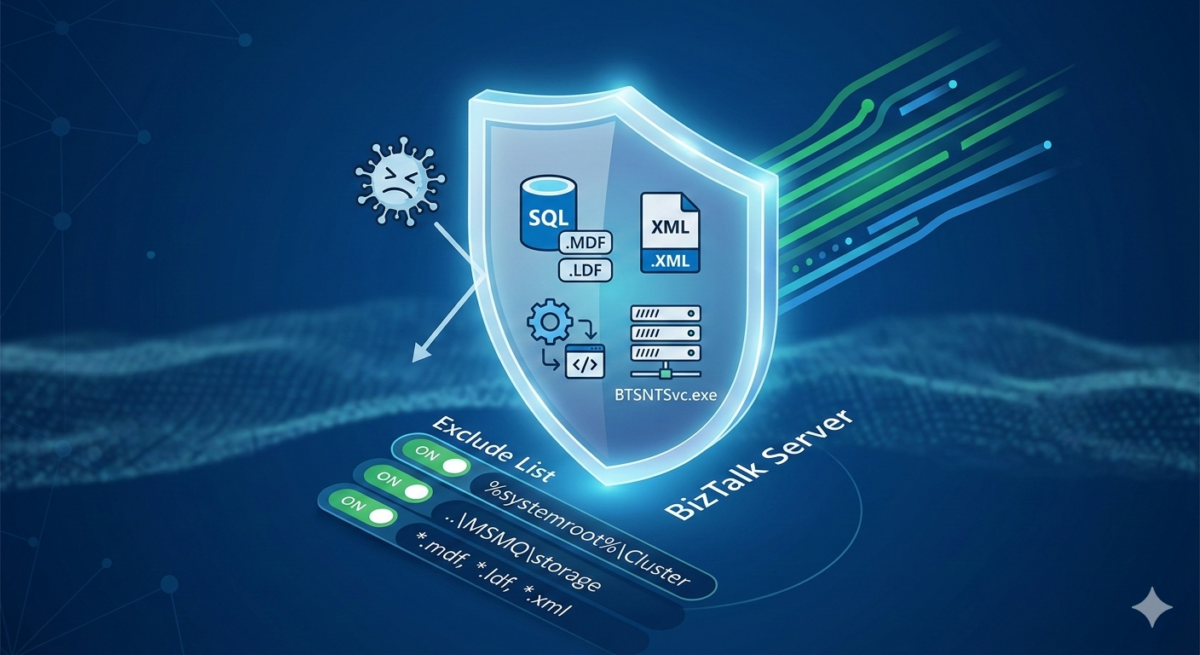
Most customers are not aware that antivirus software requires specific exclusions for BizTalk Server. Even fewer realize how much antivirus software—especially when misconfigured—can severely impact BizTalk Server performance. This is why checking whether Windows Defender or another antivirus solution is running on a BizTalk Server is so important.
During Health Checks and Architecture Reviews, one of the most frequent questions I receive is: What should we exclude from our Anti-Virus (AV) scanning?
If not configured correctly, AV real-time scanning can cause significant disk I/O contention, Access Denied errors, Denial-of-Service (DoS) attacks, and severe performance degradation. Based on Microsoft best practices and field experience, here is the definitive list of exclusions for a BizTalk Server environment.
📝 One-Minute Brief
Most BizTalk performance issues caused by antivirus software come from missing exclusions. This guide explains why antivirus impacts BizTalk Server and provides a practical, Microsoft‑aligned checklist of required AV exclusions to avoid I/O contention, access errors, and throughput degradation.
Windows Server OS Exclusions
To prevent OS-level bottlenecks, exclude the following database and log files:
- Turn off scanning of Windows Update or Automatic Update-related files
- Turn off scanning of the Windows Update or Automatic Update database file (Datastore.edb). This file is located in the following folder:
- %windir%\SoftwareDistribution\Datastore
- Turn off scanning of the log files that are located in the following folder:
- %windir%\SoftwareDistribution\Datastore\Logs
- Specifically, exclude the following files:
- Edb*.jrs
- Edb.chk
- Tmp.edb
- Note: The wildcard character (*) indicates that there may be several files.
- Turn off scanning of the Windows Update or Automatic Update database file (Datastore.edb). This file is located in the following folder:
- Turn off scanning of Windows Security files
- Add the following files in the %windir%\Security\Database path of the exclusions list:
- *.edb
- *.sdb
- *.log
- *.chk
- *.jrs
- Add the following files in the %windir%\Security\Database path of the exclusions list:
- Turn off scanning of Group Policy-related files
- Group Policy user registry information.
- These files are located in the %allusersprofile%\ folder.
- Specifically, exclude the file NTUser.pol.
- Group Policy client settings files.
- These files are located in the following folders:
- %SystemRoot%\System32\GroupPolicy\Machine\
- And %SystemRoot%\System32\GroupPolicy\User\
- Specifically, exclude the file Registry.pol.
- These files are located in the following folders:
- Group Policy user registry information.
For virus scanning recommendations for Enterprise Servers running Windows Server 2012 R2, Windows Server 2012, Windows Server 2008 R2, Windows Server 2008, please refer to Microsoft KB822158.
BizTalk Server Executables & Folders
Real-time scanning of folders monitored by BizTalk Receive Locations is a common cause of processing delays.
- Executable Files: Exclude all BizTalk Server executable files (e.g.,
BTSNTSvc.exe). - Receive Locations: Disable real-time scanning for non-executable file types processed by BizTalk, such as:
.XML,.CSV,.TXT,.EDI, and.JSON.
- Tracking/Pipeline Folders: Any temporary folders used by custom pipelines for file manipulation.
- Exclude also the following paths from those scanned and checked by the antivirus:
- TMP and TEMP Folders are used by any BizTalk host service account.
- Any local folder used by SCOM Agents.
Temp Folder Guidelines
By default, documents that are buffered to the file system during parsing and mapping are written to the directory specified in the TEMP/TMP environment variables for the BizTalk Server service account.
- By default, documents that are buffered to the file system during mapping are written to the %temp% directory of the BizTalk Server computer.
SQL Server Data & Transactions
SQL Server performance is highly sensitive to file-level locks. Real-time scanning should be disabled for:
| File Type | Extensions |
| Data Files | .mdf, .ndf, .mdb |
| Log Files | .ldf |
| Backups | .bak, .trn |
In other words, exclude the following paths from those scanned and checked by the antivirus:
- SAN Volumes hosting the data and transaction log files of the BizTalk Server database.
- SAN Volumes hosting the data and transaction log files of the any custom database.
Note: For SQL Clusters, ensure your AV software is cluster-aware. See KB309422 and KB250355.
Additionally, you should exclude the following file system location from virus scanning on a server that is running a Failover Cluster (Windows Server 2008 and later)
- The %Systemroot%\Cluster folder.
- The path of the \mscs folder on the quorum hard disk.
- The temp folder for the Cluster Service account, ie \clusterserviceaccount\Local Settings\Temp folder
MSMQ & IIS 7.0+
If your integration uses MSMQ or web services, include these paths:
- MSMQ:
%SystemRoot%\system32\MSMQ\%SystemRoot%\system32\MSMQ\storage- Local disks or SAN Volumes hosting the MSMQ queues.
- Local disks or SAN Volumes hosting MQ Series logs.
- Internet Information Services (IIS):
- Exclude the compressed file cache:
%SystemDrive%\inetpub\temp\IIS Temporary Compressed Files. - ASP.NET Temp Folder.
- Exclude the compressed file cache:
Summary Checklist for Administrators
- Exclude by Extension:
.mdf, .ldf, .bak, .xml, .edb - Exclude by Process:
BTSNTSvc.exe, sqlservr.exe - Exclude by Path:
SoftwareDistribution\Datastore,MSMQ\storage,IIS Temporary Compressed Files
Configuring these exclusions is a small step that yields massive dividends in environmental stability and message throughput.
Hope you find this helpful! If you liked the content or found it useful and would like to support me in writing more, consider buying (or helping to buy) a Star Wars Lego set for my son.



