

The full 7.3.0 version is not yet complete, but I decided to release it in small pieces instead of taking a long time to make all the planned changes, and being the Azure part that will require the most work.
📝 One-Minute Brief
Version 7.3.0 of the Microsoft Integration & Azure Stencils Pack for Visio introduces new Office, Office 365, and Dynamics 365 shapes, reorganizes connector stencils into a brand‑new API Connectors package, locks aspect ratios for improved usability, and includes several new SVG icons. This incremental release keeps the stencil pack evolving while larger Azure changes continue in progress.
What’s new in this version?
This is the list of changes and additions present in this release:
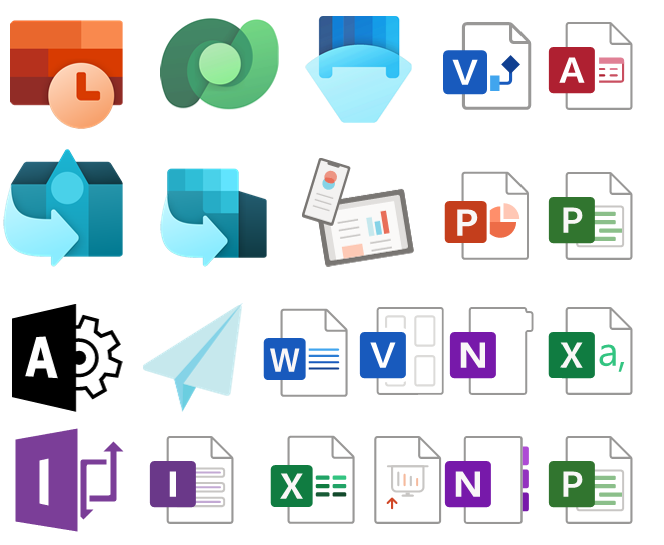
- New shapes on MIS: Office, Office 365, and Dynamics 365 package: add some new Dynamics 365 shapes like Dataverse, SCM Warehousing, Project Timesheet, Return To School, or Return To Work, and several new Office/Office 365 shapes.
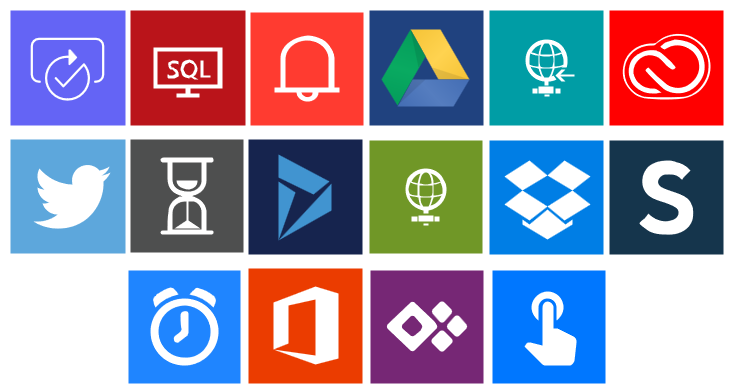
- Remove API Connectors shapes from MIS: Power Platform package: their goal was to simplify this package and migrate those stencils to a dedicated package, since there are more than 600 connectors. Also, these connectors are common to Power Automate, Power Apps, and Logic Apps.
- Create a new package MIS: API Connectors: This package will provide stencils to all connectors currently provided for Microsoft Power Automate, Microsoft Power Apps, and Azure Logic Apps.
- Lock the aspect ratio of the new stencil icons: This was a request made that can be very handy to protect against accidental resizing with another shape aspect.
- SVG files: new SVG files added.
Microsoft Integration, Azure, Power Platform, Office 365, and much more Stencils Pack
Microsoft Integration, Azure, Power Platform, Office 365 and much more Stencils Pack it’s a Visio package that contains fully resizable Visio shapes (symbols/icons) that will help you to visually represent On-premise, Cloud or Hybrid Integration and Enterprise architectures scenarios (BizTalk Server, API Management, Logic Apps, Service Bus, Event Hub…), solutions diagrams and features or systems that use Microsoft Azure and related cloud and on-premises technologies in Visio 2016/2013:
- BizTalk Server
- Microsoft Azure
- Integration
- Integration Service Environments (ISE)
- Logic Apps and Azure App Service in general (API Apps, Web Apps, and Mobile Apps)
- Azure API Management
- Messaging: Event Hubs, Event Grid, Service Bus, …
- Azure IoT and Docker
- AI, Machine Learning, Stream Analytics, Data Factory, Data Pipelines
- SQL Server, DocumentDB, CosmosDB, MySQL, …
- and so on
- Integration
- Microsoft Power Platform
- Microsoft Flow
- PowerApps
- Power BI
- Office365, SharePoint,…
- DevOps and PowerShell
- Security and Governance
- And much more…
- … and now non-related Microsoft technologies like:
- SAP Stencils

The Microsoft Integration Stencils Pack is composed of 27 files:
- Microsoft Integration Stencils
- MIS Additional or Support Stencils
- MIS AI and Machine Learning Stencils
- MIS Apps and Systems Logo Stencils
- MIS Azure Additional or Support Stencils
- MIS Azure Black and Gray
- MIS Azure Old Versions
- MIS Azure Stencils
- MIS Black and Cyan
- MIS Buildings Stencils
- MIS Databases and Analytics Stencils
- MIS Deprecated Stencils
- MIS Developer Stencils
- MIS Devices Stencils
- MIS Files and Message Types Stencils
- MIS Generic Stencils
- MIS Infrastructure and Networking Stencils
- MIS Integration Fun
- MIS Integration Patterns Stencils
- MIS IoT Stencils
- MIS Office, Office 365 and Dynamics 365
- MIS Power BI Stencils
- MIS Power Platform Stencils
- MIS SAP Stencils
- MIS Security and Governance
- MIS Servers (Hexagonal) Stencils
- MIS Users and Roles Stencils
- Organisational Stencils
That you can use and resize without losing quality, in particular, the new shapes.
Download
You can download the Microsoft Integration, Azure, BAPI, Office 365, and much more Stencils Pack for Visio from GitHub here:
Hope you find this helpful! If you liked the content or found it useful and would like to support me in writing more, consider buying (or helping to buy) a Star Wars Lego set for my son.



