

We live in the age of fast digital transformation. Different emerging services appear extremely fast, which results in a more heterogeneous IT architecture. However, when we have this heterogeneous landscape composed of different legacy and modern systems, a major problem that may arise is how we can put all of these systems to interact with each other to create the concept of a single production system.
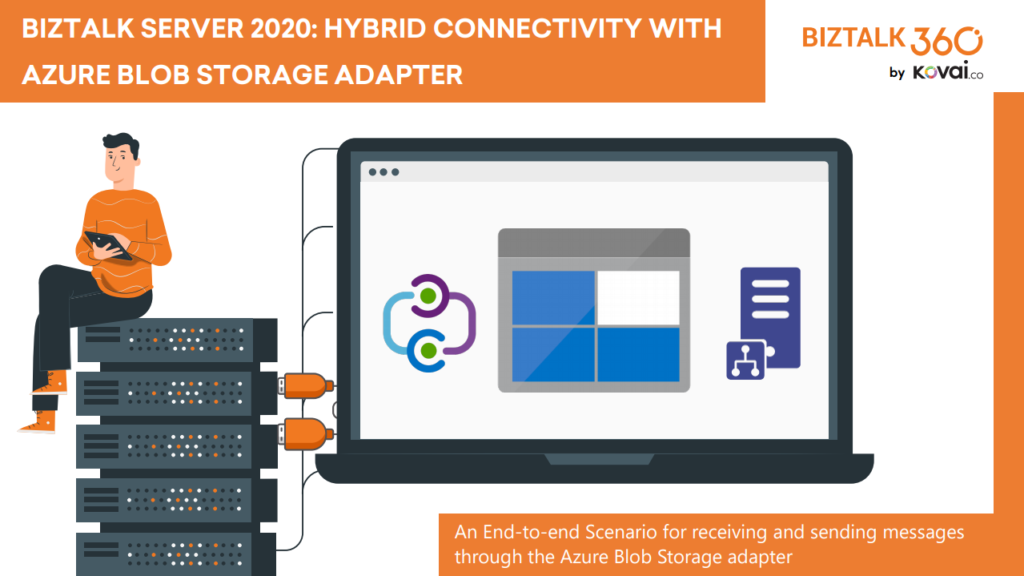
BizTalk Server 2020 is undoubtedly the best-suited integration for the On-Premises integration platform and IaaS (Infrastructure as a Service). This whitepaper is intended to show you the complete process of receiving and sending messages through the newly introduced Azure Blob Storage adapter.
📝 One-Minute Brief
BizTalk Server 2020 introduces native hybrid integration capabilities with Azure through the Blob Storage adapter. This whitepaper explains, step by step, how to send and receive messages between BizTalk Server and Azure Blob Storage, enabling reliable hybrid connectivity scenarios between on‑premises systems and cloud services.
This whitepaper will give you a detailed understanding of the following:
- Creating Azure Blob storage
- Sending messages from BizTalk Server to Blob Storage using the Blob Storage adapter
- Receiving messages to BizTalk Server from Blob Storage using the Blob Storage adapter
Where can I download it
You can download the whitepaper here:
You can also find, download, and enjoy several other free whitepapers of my own here:
- Installing BizTalk Server 2016 in a Basic Multi-Computer Environment
- BizTalk Server and GDPR
- Step-by-step configuration to publish BizTalk operational data on Power BI
- BizTalk Server DB: Disaster Recovery, troubleshooting & best practices
- Installing and Configuring BizTalk360 in a Standalone Machine running BizTalk 2016
- Installing and Configuring Microsoft BizTalk 2013 R2 for RosettaNet
- Installing BizTalk Server 2016 in a Standalone Machine
- Installing BizTalk Server 2013 in a Standalone Machine
- End-to-end scenario – Receiving Messages through the HTTP Adapter

Hope you find this helpful! If you liked the content or found it useful and would like to support me in writing more, consider buying (or helping to buy) a Star Wars Lego set for my son.



